

Remove Content Layers from PDF (Images, Text, Vectors)
Effortlessly strip images, text, or complex vector paths from your PDF. Our browser-based tool processes files locally for 100% privacy—no uploads, no registration, and no data footprint. Perfect for cleaning up layouts and reducing file size instantly.
Try these now PDFs:
Does this online conversion service protect my privacy? Are the files I import safe?
Very safe, because your files never leave your device and are not uploaded. ImagesTool uses browser technology to achieve the conversion service that previously required uploading.
Everything happens only in your browser, 100% protecting your privacy.
You can do a test Convert once, then disconnect the device from the network, and convert again and you will find that everything is normal.
Remove Content Layers from PDF Instantly
Effortlessly remove images from PDF, strip text, or delete complex vector paths with our professional-grade layer removal tool. Whether you are looking to clean up PDF documents for better readability or need to remove vector graphics to reduce file size, our platform offers precise control over every element.
Our technology specializes in browser-based PDF processing. We prioritize your data sovereignty: 100% privacy and security are guaranteed because your files never leave your device. There is no PDF upload to external servers, ensuring your sensitive information stays local.
Enjoy a seamless workflow with no registration, no login, and no sign-up required. Simply select the content you want to hide or delete—be it text, images, or vector paths—and process your files in seconds. This is the ultimate tool for safe PDF editing and privacy-focused content removal.
Core Features
- Selectively delete images from PDF without affecting text layout.
- Wipe background vector paths and unwanted graphical elements.
- Fast, local PDF editing directly in your browser.
- Zero data footprint: No files are uploaded to any server.
Frequently Asked Questions
How do I remove images from my PDF?
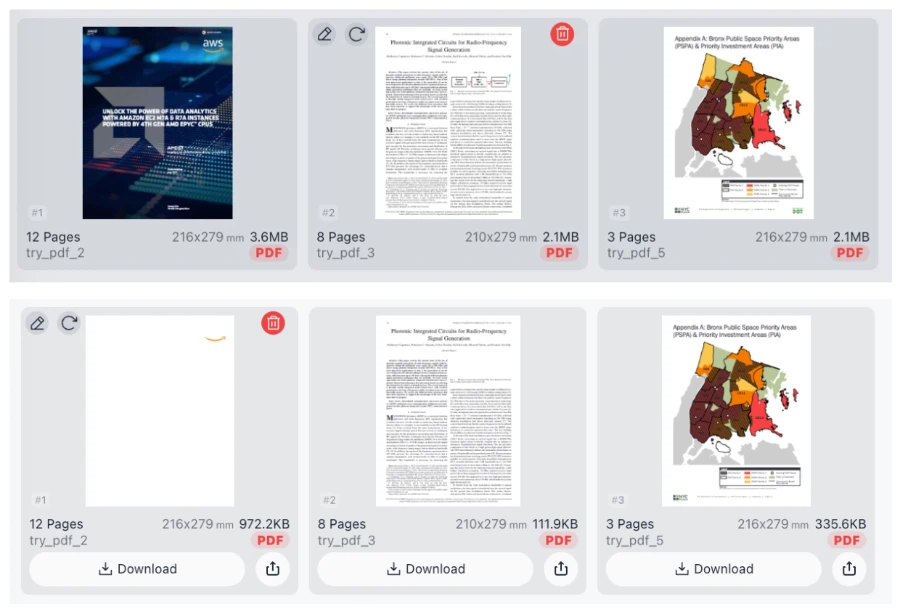
Select the "Image" checkbox in the tool options and click Start. The tool will identify and strip image layers from the document automatically.
Is my data safe when using this PDF tool?
Yes. This tool uses client-side processing, meaning the conversion happens in your browser. Your PDF files are never uploaded to our servers and never leave your computer.
Do I need to pay or create an account?
No. You can use all features for free with no login, no registration, and no usage limits.
Can I remove text and keep images?
Absolutely. You can choose to selectively remove only text, only images, or only vector paths depending on your specific needs.